
















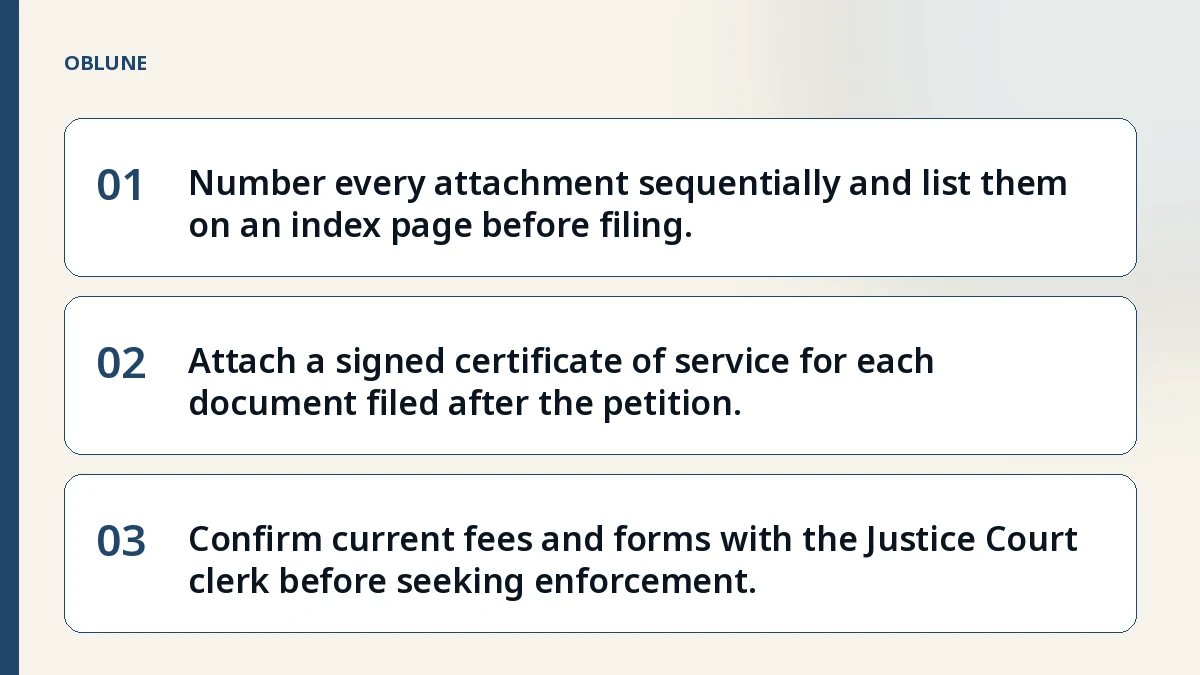
- 01Number every attachment sequentially and list them on an index page before filing.
- 02Attach a signed certificate of service for each document filed after the petition.
- 03Confirm current fees and forms with the Justice Court clerk before seeking enforcement.
The Judgment Arrives – What the Court Gives You
Maria of San Antonio got a $12,000 judgment against a roofer who never finished the job. Now she wonders what happens after small claims judgement and how to keep her paperwork ready for enforcement. The Justice Court mails a signed judgment that includes the cause number, the amount awarded, and any court costs. Keep the original in a safe place; you will need it for every later filing.
Build Your Evidence File – Documents the Judge Actually Reads
The court only reviews what you attach to the petition and what you later file as supplemental exhibits. A complete file typically contains the signed contract or lease, invoices, payment records, photographs, and any written communications. Each piece must be numbered continuously from Attachment 1 and listed on an index page. The clerk will reject a filing if the index does not match the attached pages.
Naming and Numbering Attachments – A Checklist
- Create an index page titled “Index of Attachments.”
- List every exhibit by number and a short descriptive name (e.g., “Attachment 1 – Roofing Contract, pages 1‑4”).
- Attach the documents in the same order, using a binder clip or staple that does not obscure text.
- Verify that the total number of pages matches the index before you file.
- Sign the certificate of service for every document filed after the original petition.
Table of Core Documents
| Attachment # | Description | Source |
|---|---|---|
| 1 | Written contract or lease (relevant pages) | Your records |
| 2 | Itemized invoices or statements | Vendor / client |
| 3 | Proof of payment (bank screenshots, Zelle/Venmo receipts) | Your bank app |
| 4 | Photographs of unfinished work or damage | Phone camera |
| 5 | Email or text thread showing demand and response | Messaging app |
Serving the Other Side – Certificate of Service Rules
Every document you file after the petition must include a certificate of service stating the date and manner of delivery to the respondent. Acceptable methods are personal delivery by a constable, certified mail with return receipt, or electronic service if the other party has agreed in writing. The certificate must be signed in ink and placed immediately after the index page. Missing or incomplete certificates are a common rejection reason.
Preparing for Enforcement – Writs, Abstracts, and Levies
Once the judgment is final, you may request a writ of execution, an abstract of judgment, or a turnover order to collect. The Justice Court clerk can issue the writ after you file a motion and pay the required filing fee. An abstract of judgment recorded in the county property records creates a lien on the respondent’s real estate. Rules change, so verify the current forms and fees with the clerk before you file.
When to Ask the Clerk – Rules Change, Check Current Instructions
If you are unsure whether an attachment meets the court’s formatting rules, call the precinct clerk or visit the guided preparation flow for a step‑by‑step walkthrough. The clerk can confirm the correct cause number format, the current filing fee schedule, and any local standing orders that affect service of process. Keeping a tidy evidence file from the start saves time and avoids costly re‑filings.
For more details on building a claim package, see the Security Deposit Demand Letter Template: Texas Justice Court Timeline, How to Claim Unpaid Invoices in Texas Justice Court: What the Clerk Checks, and Can You Take a Contractor to Small Claims Court? 5 Filing Errors. The Texas Rules of Civil Procedure, Rule 502, governs the commencement of suit and default judgment procedures (Rule 502).
Check the filing format before you file
See what the court in your region asks for, and what a prepared package contains.
Common questions
What documents should I keep after receiving a small claims judgment?
Keep the original signed judgment, the cause number, all attachments you filed, and any correspondence about payment or enforcement. These are the records the court and a constable will request.
How do I format the index of attachments for the Justice Court?
Create a page titled “Index of Attachments,” list each exhibit by number and a brief description, and ensure the order matches the physical documents you submit.
Can I serve post‑judgment documents by email?
Only if the respondent has agreed in writing to electronic service; otherwise you must use personal delivery, certified mail, or a constable.
What is the first step to collect on a judgment?
File a motion for a writ of execution (or an abstract of judgment) with the Justice Court and pay the required filing fee; the clerk will issue the writ for the constable to levy.
Official sources
General information about court filing formalities. Not legal advice, and no attorney-client relationship is created. Filing rules change; check the court's current published instructions before you file.